Read the Direction
Reviews higher-timeframe structure and directional context before allowing a potential setup.
INVITE-ONLY TRADINGVIEW INDICATOR · NOW AVAILABLE
AurumNarra brings higher-timeframe direction, supply and demand, closed-candle confirmation and structured risk levels into one focused workflow—helping you decide whether to buy, sell or wait on any TradingView market and timeframe using standard candlestick charts.
THE AURUMNARRA PROCESS
AurumNarra does not begin with a random buy or sell label. It evaluates market context, waits for the correct location and then requires confirmation before displaying a structured trade plan.
Reviews higher-timeframe structure and directional context before allowing a potential setup.
Tracks relevant supply, demand and retracement areas where a structured opportunity may develop.
Requires lower-timeframe confirmation and a closed execution candle before accepting an entry.
Presents direction together with entry, stop-loss, take-profit and risk-to-reward information.
BUILT FOR STRUCTURED TRADING ACROSS MARKETS
Every AurumNarra setup is supported by multiple layers of market information designed to reduce impulsive, context-free trading decisions.
Connects execution decisions with higher-timeframe trend and structure.
Identifies active zones where a valid opportunity may develop.
Confirms entries only after the execution candle closes and conditions align.
Displays structured entry, stop-loss, take-profit and risk-to-reward levels.
Helps block entries inside a conflicting supply or demand area.
Uses setup-quality filters, scores alignment strength and applies one-trade-per-leg discipline.
Supports notifications for confirmed entries and registered exits.
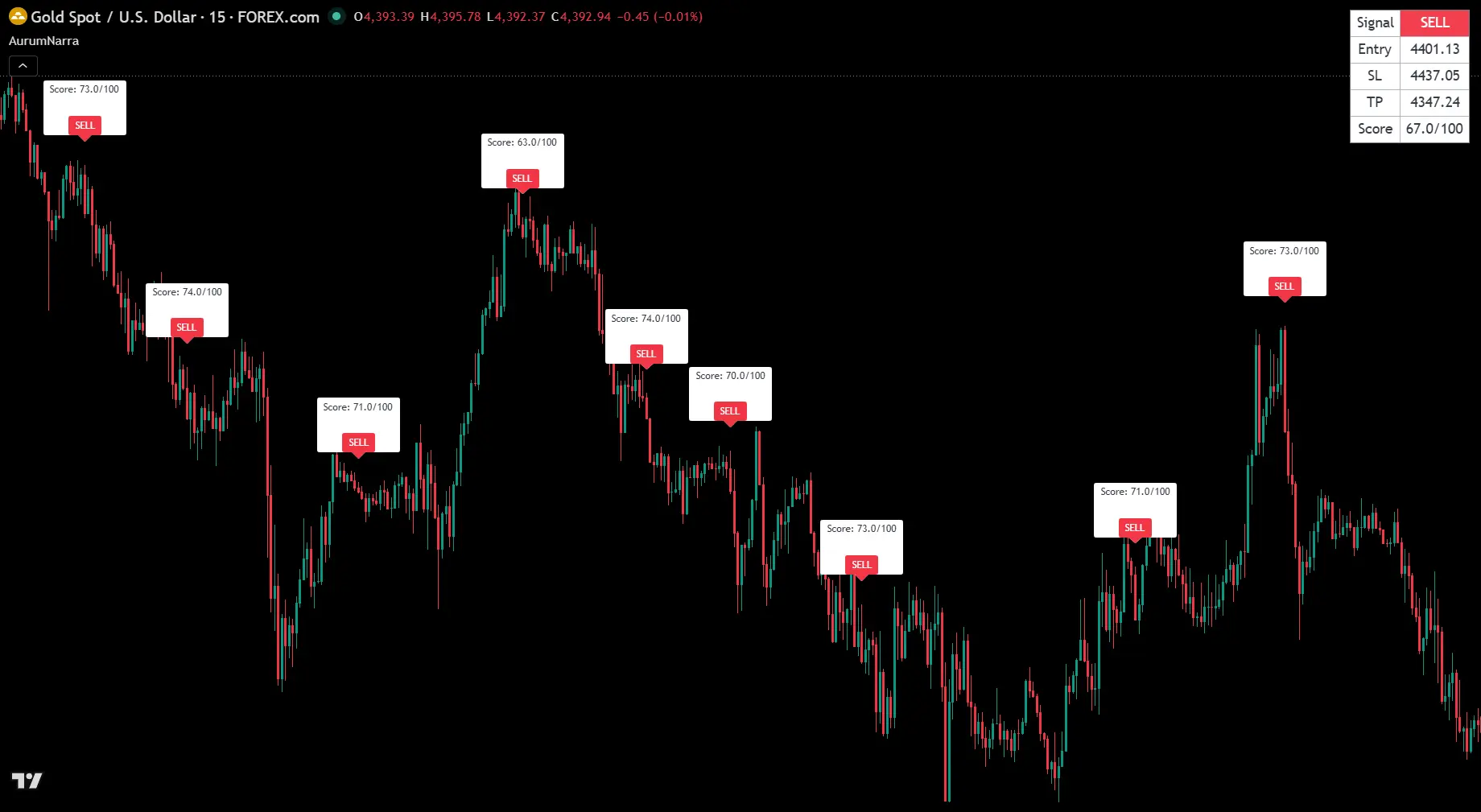
Shows WAITING, BUY/SELL, setup score and active Entry, SL and TP levels in one clean table.
REAL TRADE DEMONSTRATION
Watch a real XAUUSD setup develop as AurumNarra waits for confirmation, displays the complete structure and follows the trade through its outcome.
TRANSPARENT STRATEGY TESTER RESULTS
Review the supplied TradingView Strategy Tester snapshots for XAUUSD and EURUSD. Test periods and starting balances differ.
TRADINGVIEW REPLAY EXAMPLES
These supplied chart replays show AurumNarra examples across gold, forex and crypto. Use the arrows or market buttons to switch between them.
Historical, hypothetical and TradingView Replay examples have limitations and are not independently audited. They may not reflect every spread, commission, slippage, liquidity or execution condition. Past performance does not guarantee future results.
INTERACTIVE CHART PREVIEW
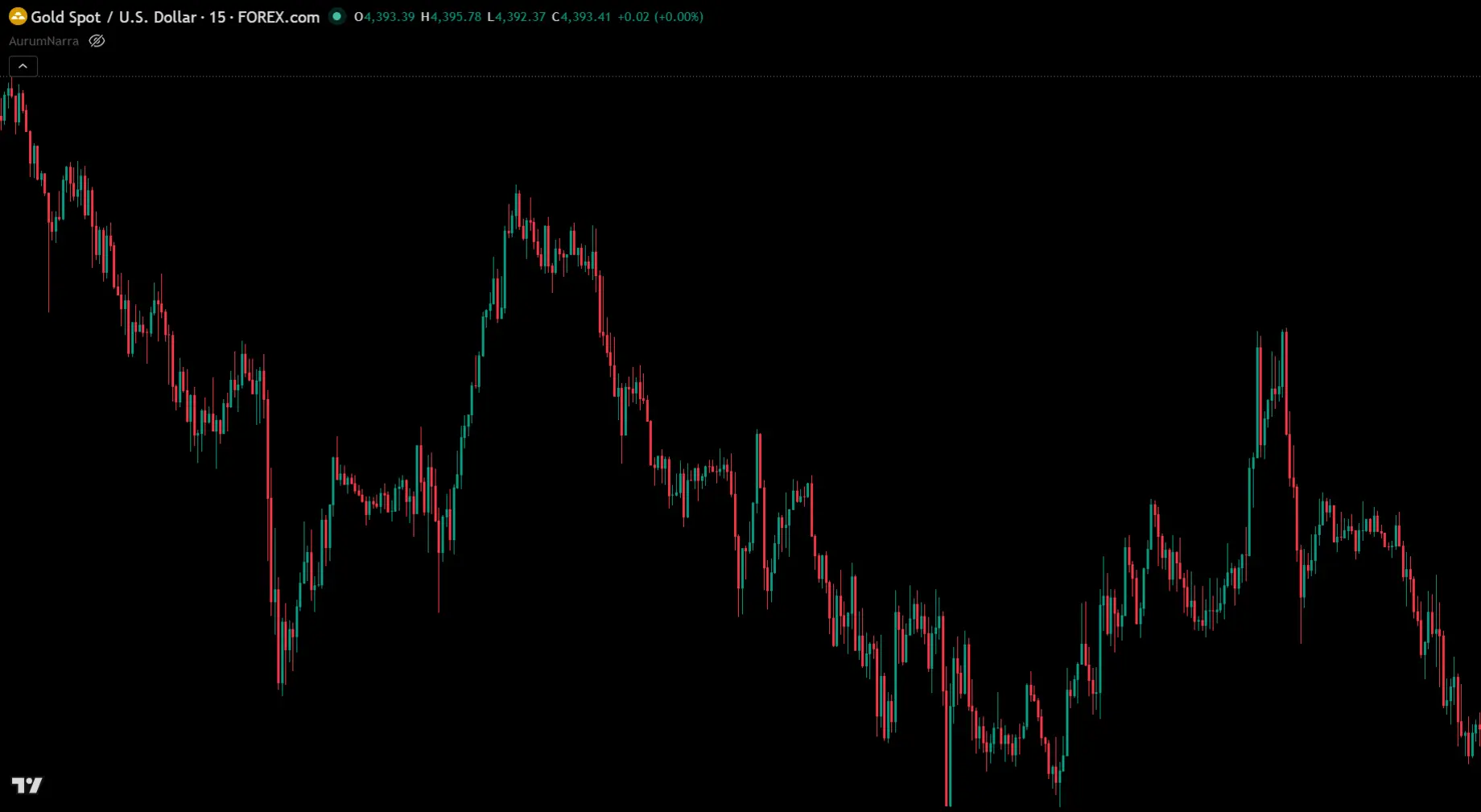
Drag the gold handle left or right to compare the same XAUUSD chart before and after AurumNarra adds confirmed signals and structured risk levels.
You still organise direction, location, confirmation and risk yourself.
Qualified setups display direction with visible entry, stop-loss and take-profit structure.
FROM THE AURUMNARRA COMMUNITY
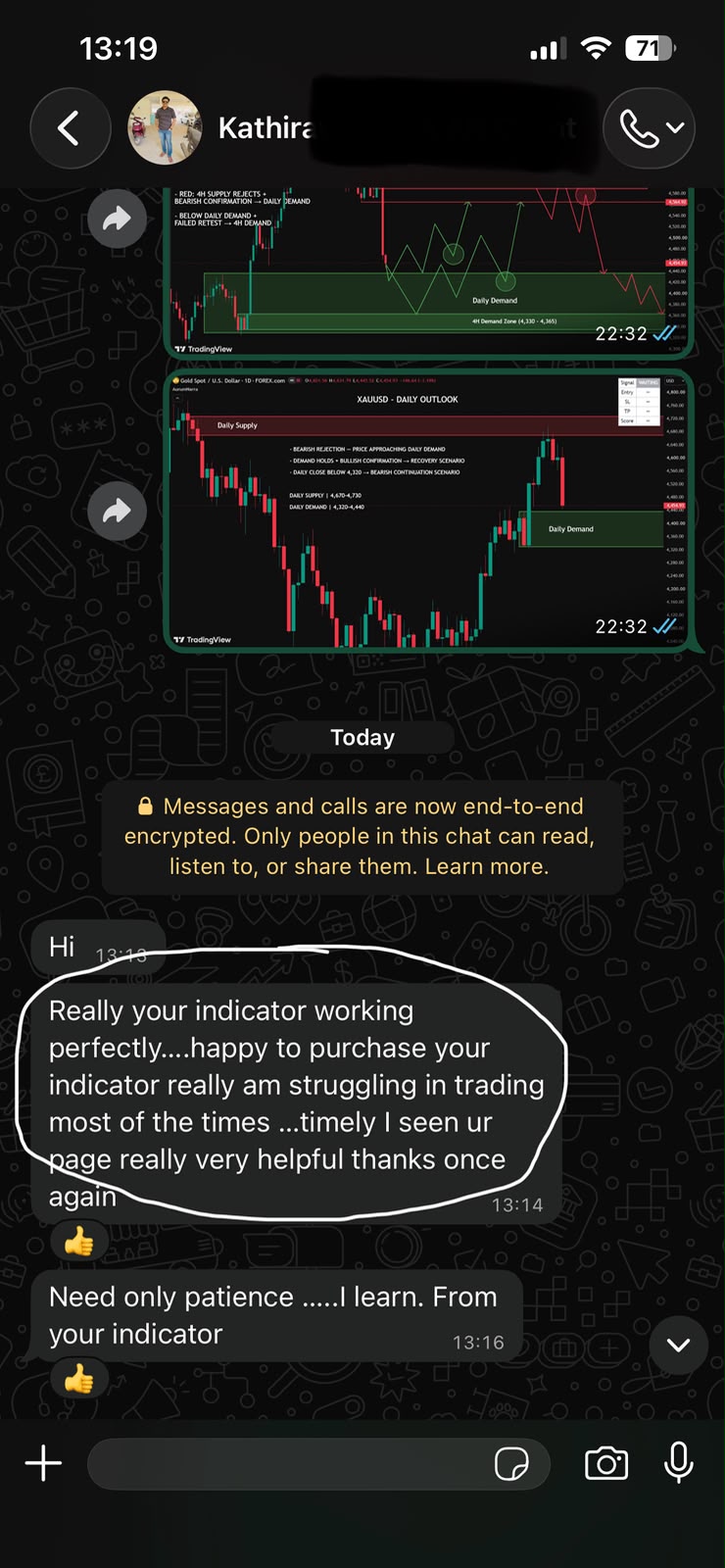
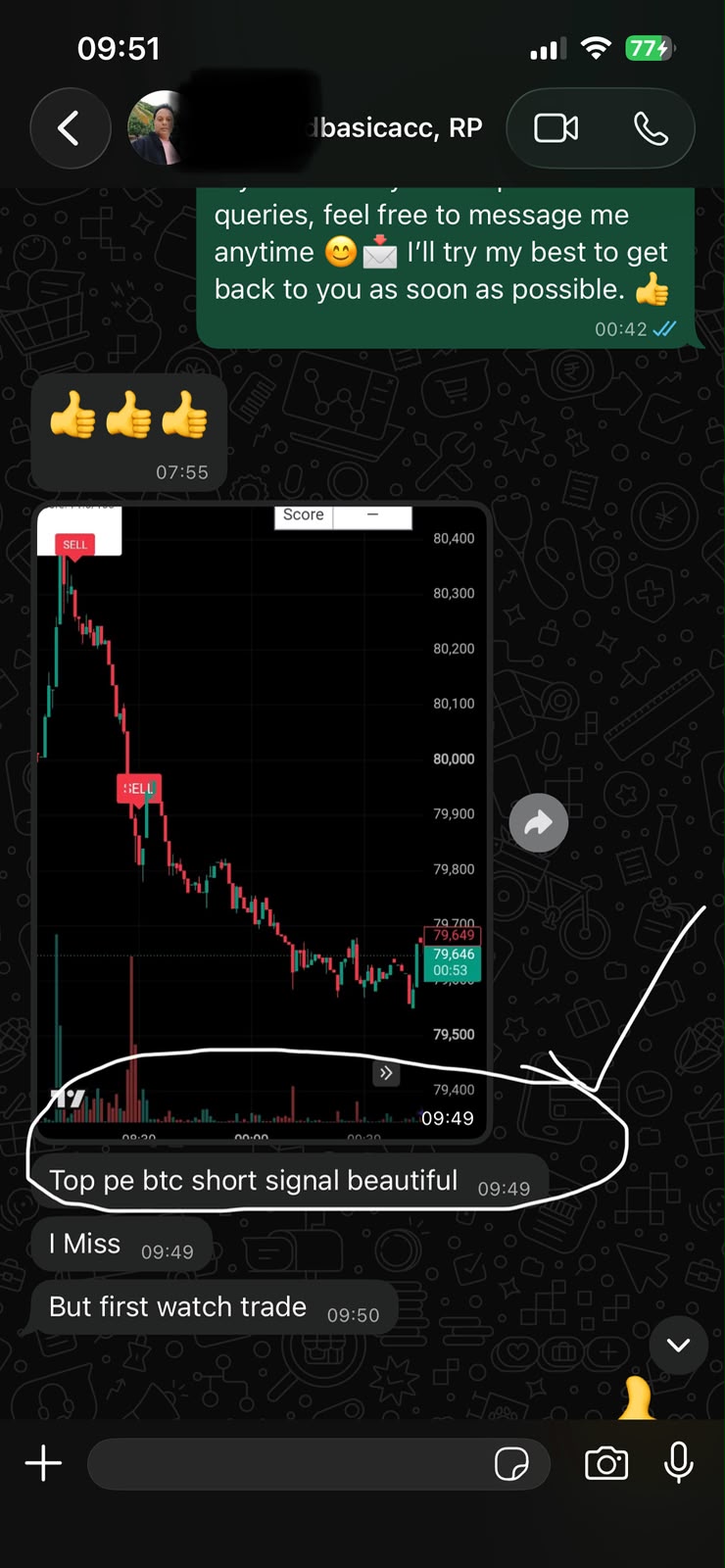
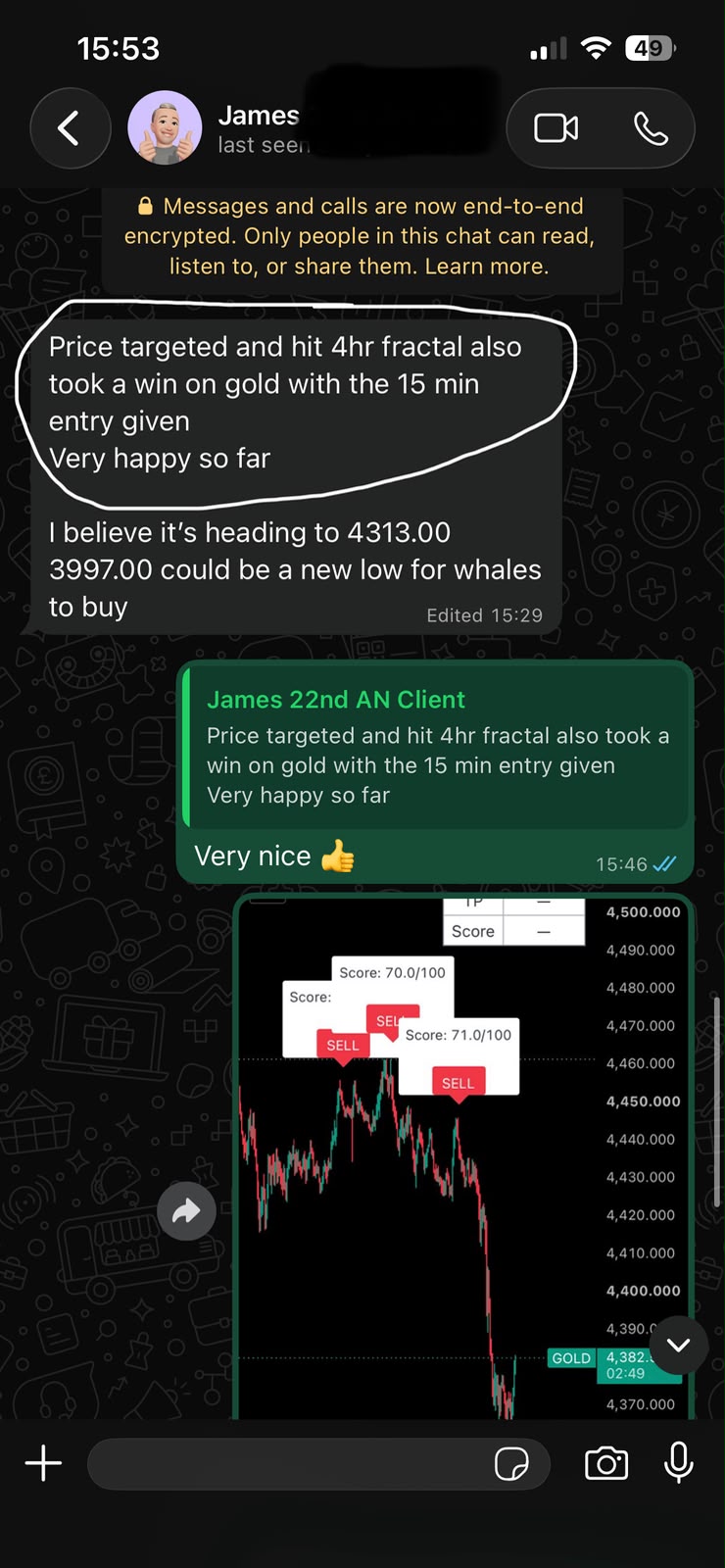
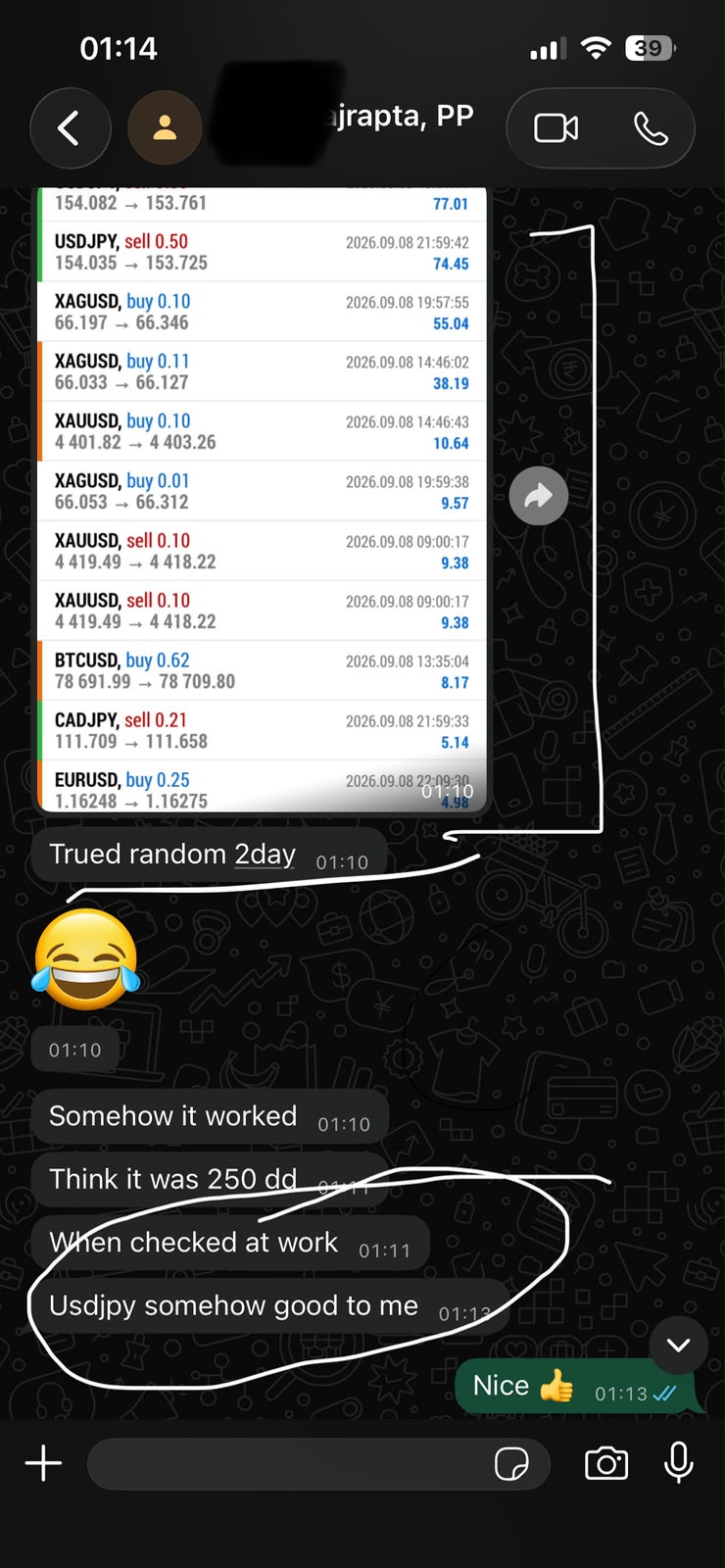
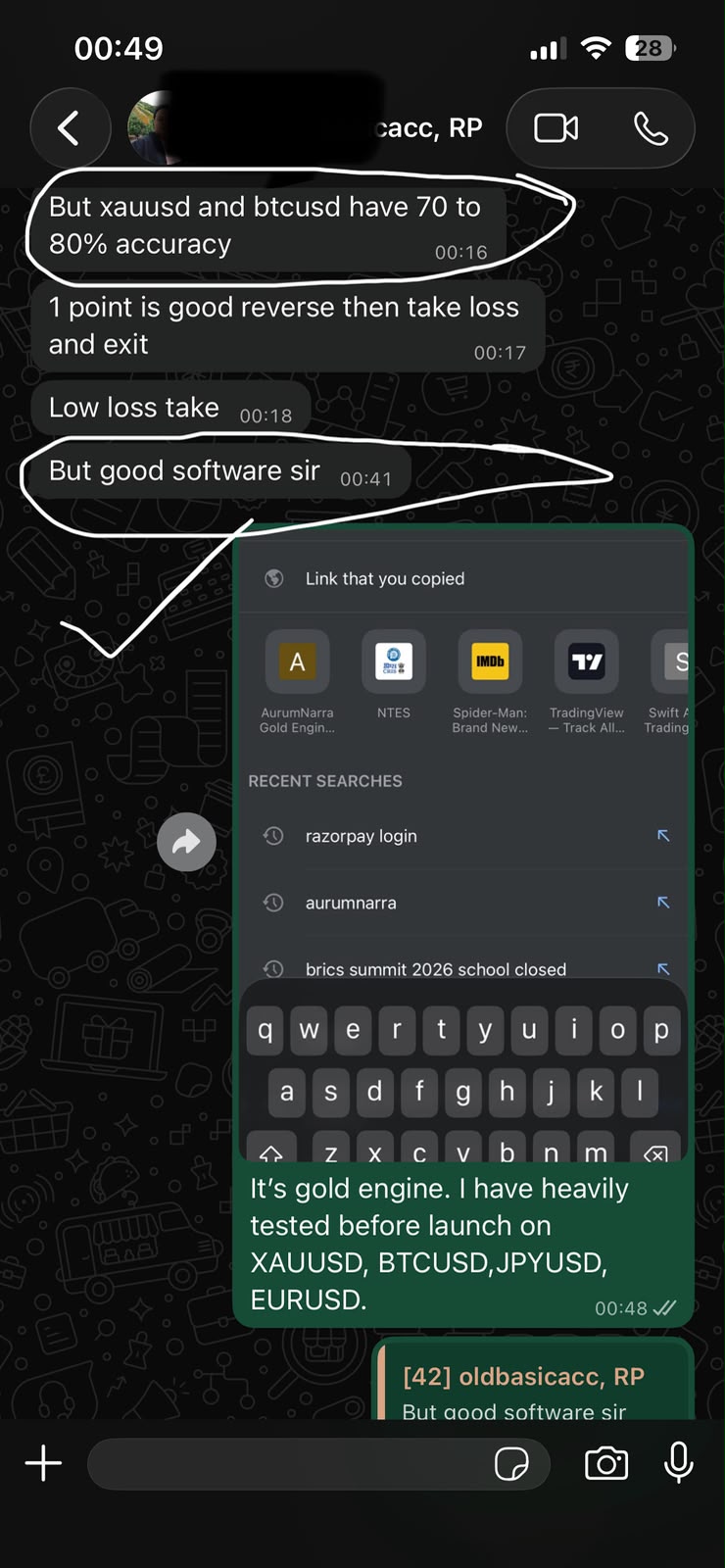
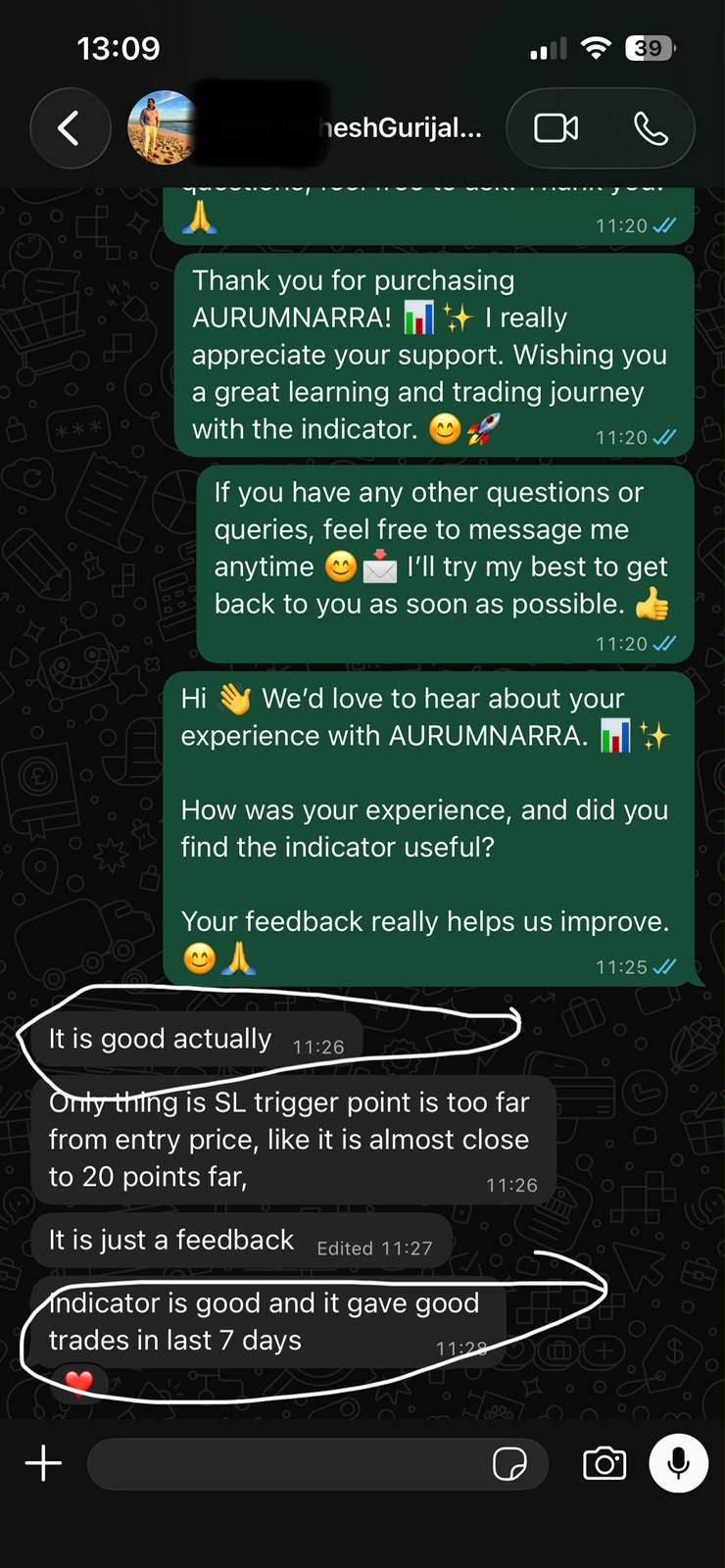
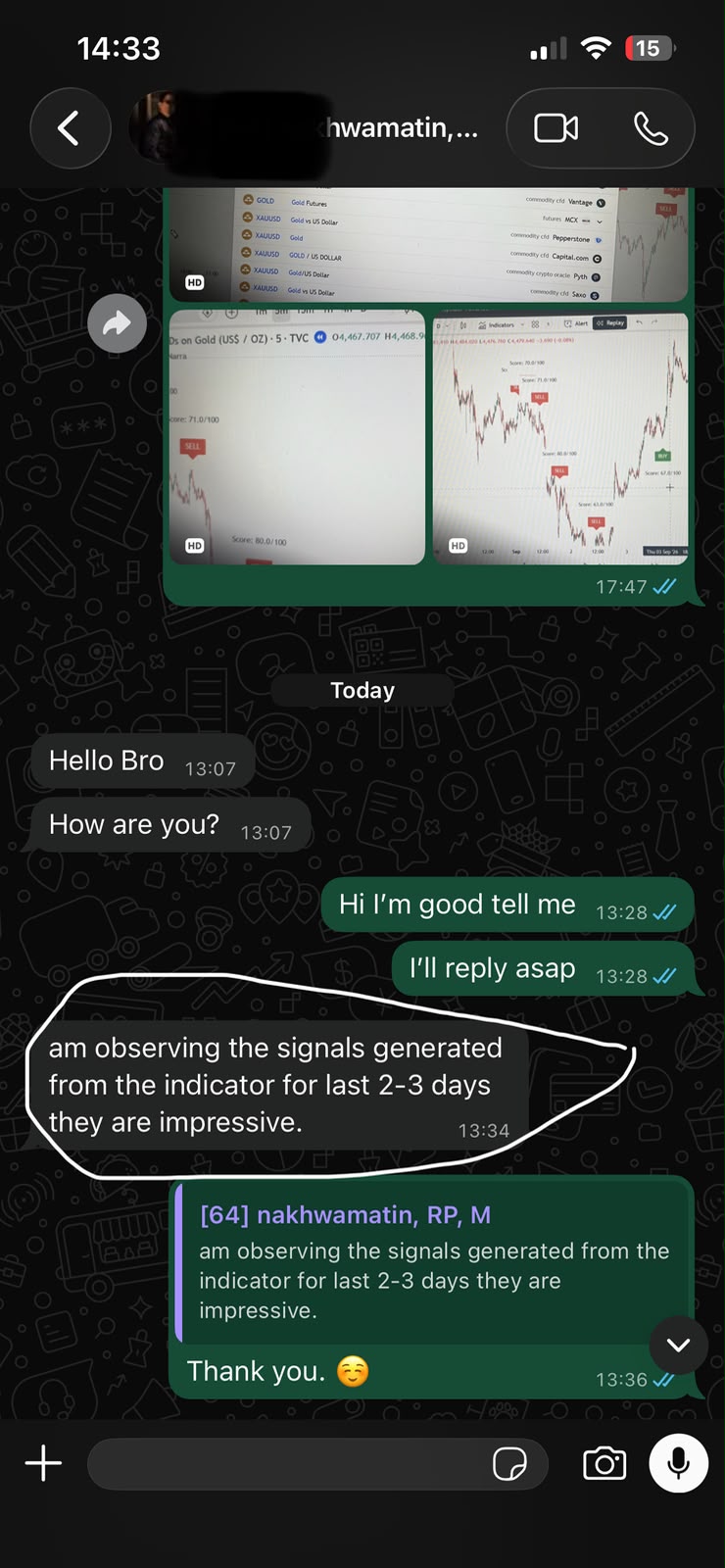
A look at what users share with us: first impressions, chart observations and practical feedback. Read the conversations before choosing your access.
FOUNDING MEMBER ACCESS
Every plan includes full AurumNarra functionality, setup guidance, updates during the access period and customer support.
MONTHLY ACCESS
One month of full access with manual renewal only when you choose.
Start with one month of full access. Renew only when you choose.
3-MONTH ACCESS
Three months of access at the lowest effective monthly price.
Save 22% in India or 17% internationally compared with three monthly plans.
YEARLY ACCESS
One year of complete access with manual renewal only when you choose.
Save 14% in India or 12% internationally compared with four 3-month plans.
LIFETIME ACCESS
One-time payment for lifetime access to AurumNarra Gold Engine.
One-time payment. No renewal fees.
Lifetime access covers one TradingView username while AurumNarra Gold Engine is operated and supported. Updates to this indicator are included. Other products are not included.
Prices may change for future customers. Founding-member pricing applies only while the launch offer remains available.
SIMPLE ACCESS PROCESS
Select monthly, three-month, yearly or lifetime access.
Pay securely through Razorpay in India or PayPal internationally.
Razorpay payments are verified automatically. PayPal customers submit their transaction ID.
Access is normally activated within six hours after verification.
FREQUENTLY ASKED QUESTIONS
AurumNarra Gold Engine is a multi-timeframe TradingView decision-support indicator that can be applied to any market and timeframe using standard candlestick charts. It combines higher-timeframe context, supply and demand, closed-candle confirmation, setup-quality scoring and structured risk levels. Development and documented backtesting have focused primarily on XAUUSD and EURUSD.
No. It is a technical-analysis and decision-support tool. You remain responsible for every trading decision.
No. Trading involves risk and losing trades are unavoidable. No specific performance, win rate or profit is guaranteed.
AurumNarra is not restricted to XAUUSD or forex. It can be added to any TradingView market and timeframe using standard candlestick charts. Development and documented backtesting have focused primarily on XAUUSD and EURUSD. Behaviour may vary depending on the market, symbol, broker feed, volatility and timeframe, so users should evaluate the indicator independently on their chosen chart before risking capital. For cleaner and generally higher-quality setups, 15-minute or higher timeframes are recommended. The indicator can also be used on 1-minute and 5-minute charts, but lower timeframes naturally contain more market noise.
AurumNarra waits for the execution candle to close before confirming an entry. We describe it as using closed-candle confirmed signals rather than making an absolute “100% non-repainting” claim.
Yes. After creating the relevant TradingView alert, AurumNarra can notify you when a trade is confirmed and when the indicator registers an exit.
You need a TradingView account. Alert availability and limits depend on TradingView’s separate plan rules.
Normally within six hours after successful payment verification and submission of the correct TradingView username.
No. Fixed-duration plans renew only when you purchase again. Lifetime access has no renewal fees.
No. Access is licensed to one customer and one TradingView username. Sharing, transferring or reselling access is prohibited.
Purchases are normally non-refundable after TradingView access has been activated. Read the complete Refund Policy before purchasing.
IMPORTANT RISK NOTICE
AurumNarra provides technical-analysis tools for educational and informational purposes only. It does not provide financial, investment or trading advice. Historical, hypothetical and simulated results do not guarantee future performance.
Read the Full Risk Disclaimer →